
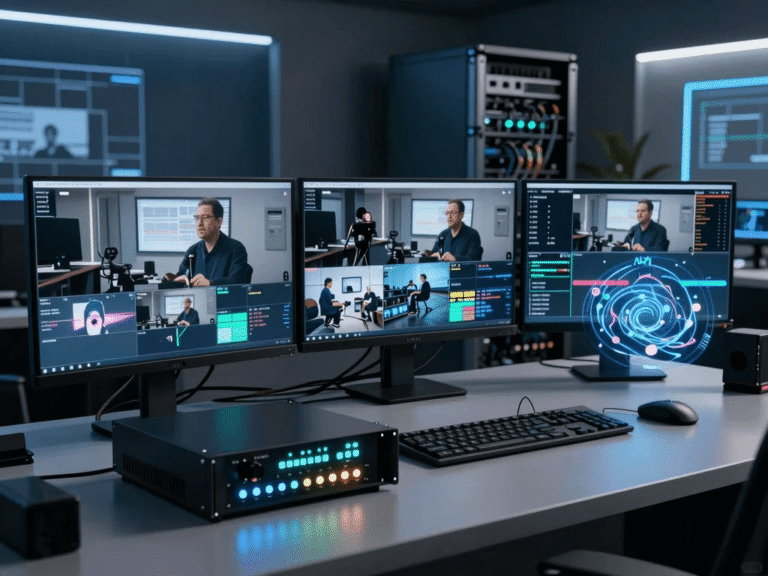
Introduction: Why Your Streaming Quality Depends on the Right 4K IPTV Encoder
If you are serious about professional streaming in the USA, you already know one simple truth: your audience judges your entire brand within the first few seconds of video playback. Whether you are broadcasting live sports, corporate events, church services, IPTV channels, or educational content, the quality of your stream determines whether viewers stay or leave. This is exactly where a 4K IPTV encoder becomes the foundation of your entire streaming system.
When you use the right encoder, you are not just sending video online—you are delivering a stable, high-definition experience that feels smooth, cinematic, and professional. On the other hand, the wrong setup leads to buffering, lag, pixelation, and frustrated viewers who will not return. In this guide, you will learn how to choose the best 4K IPTV encoder for professional streaming, how it works, and what features actually matter in real-world broadcasting situations.
Table of Contents
What Is a 4K IPTV Encoder and Why You Need One
A 4K IPTV encoder is a device or software system that converts raw video signals into compressed digital streams suitable for internet transmission. In simple terms, it takes the video from your camera, switcher, or media source and prepares it for smooth delivery over IP networks. Without an encoder, streaming high-quality 4K video efficiently would not be possible because raw video files are too large and unstable for real-time broadcasting.
For professional streaming in the USA, encoders are essential because they ensure compatibility with platforms like IPTV services, OTT apps, and live broadcasting systems. They support advanced compression formats like H.264 and H.265 (HEVC), which reduce bandwidth usage while maintaining excellent video quality. This balance between performance and efficiency is what makes IPTV encoders the backbone of modern digital broadcasting systems.
How 4K IPTV Encoding Technology Works Behind the Scenes
When you press “go live,” your encoder immediately begins processing massive amounts of video data in real time. It compresses the signal, converts it into streaming formats, and sends it through protocols such as RTMP or SRT to your destination platform. This entire process happens within milliseconds, ensuring your viewers see a smooth and continuous stream.
Modern encoding systems use advanced compression algorithms like HEVC to reduce file size by up to 50% compared to older formats. This means you can stream in 4K resolution (3840 × 2160) without overwhelming your internet connection. For example, YouTube Live and professional IPTV platforms rely heavily on these technologies to maintain stability at scale.
📌 External technical reference:
- https://en.wikipedia.org/wiki/Video_coding_format Video Coding Formats
- https://en.wikipedia.org/wiki/High_Efficiency_Video_Coding HEVC Compression
Why 4K IPTV Encoders Are Essential for Professional Streaming in the USA
If you are streaming to audiences in the United States, expectations are extremely high. Viewers are used to Netflix-level quality, smooth YouTube streams, and ultra-low latency sports broadcasts. A weak encoder can destroy that experience instantly.
A professional4K IPTV encoder ensures:
- Stable streaming even under fluctuating internet conditions
- Consistent ultra-HD video quality
- Reduced buffering for mobile and smart TV viewers
- Compatibility with major CDN networks in the USA
- Support for scalable multi-platform broadcasting
Without a proper encoder, even the best cameras and internet connections cannot compensate for poor compression or unstable output. That is why broadcasters, IPTV providers, and live event producers invest heavily in high-performance encoding hardware.
📌 Related internal resource:
TivoraStream Blog
Types of 4K IPTV Encoders You Can Choose From
Hardware IPTV Encoders
Hardware encoders are dedicated physical devices built specifically for video processing. They are widely used in professional broadcasting environments because they offer stability, low latency, and long-term reliability. These devices are ideal for live sports, TV channels, and large-scale IPTV networks.
Software IPTV Encoders
Software encoders run on computers or cloud servers. They are more flexible and cost-effective, making them ideal for startups or smaller streaming operations. However, they depend heavily on your CPU and GPU performance.
Cloud-Based IPTV Encoders
Cloud encoding is becoming increasingly popular in the USA because it allows you to scale instantly without investing in expensive hardware. You simply upload your stream to a cloud service, and encoding happens remotely.
📌 External reference:
Key Features That Define the Best 4K IPTV Encoder
Choosing the best 4K IPTV encoder for professional streaming requires understanding which features actually impact performance. Not all encoders are equal, and marketing claims can often be misleading.
Ultra-Low Latency Performance
Latency determines how quickly your live stream reaches viewers. For real-time events like sports or auctions, even a few seconds of delay can be a major issue.
Codec Efficiency (H.265 / AV1 Support)
Modern encoders should support advanced codecs that reduce bandwidth while maintaining visual quality.
Multi-Platform Streaming Capability
A professional encoder should allow you to stream simultaneously to IPTV platforms, YouTube, Facebook Live, and private servers.
4K 60FPS Support
Smooth motion is critical for sports and action content. A true professional encoder must handle 60 frames per second in ultra-HD.
📌 External reference:
Why Compression Quality Matters More Than Resolution Alone
Many beginners focus only on 4K resolution, but experienced broadcasters know that compression quality is even more important. A poorly compressed 4K stream can look worse than a well-optimized 1080p stream.
Compression determines:
- Clarity of fast motion scenes
- Stability during network fluctuations
- File size and bandwidth usage
- Viewer experience on mobile devices
Modern IPTV encoders use intelligent compression algorithms that adapt to real-time network conditions. This ensures that your audience in the USA receives a consistent viewing experience regardless of device or internet speed.
📌 External reference:
IPTV Encoder Use Cases in the USA Market
Live Sports Broadcasting
Sports streaming demands ultra-low latency and high motion clarity. A strong encoder ensures every movement is smooth and synchronized.
Corporate Communication
Businesses use IPTV encoders for webinars, internal meetings, and global communication systems.
IPTV Service Providers
Companies offering subscription-based IPTV services rely heavily on scalable encoding infrastructure.
Education and Online Learning
Universities and training platforms use 4K encoding to deliver immersive learning experiences.
📌 Internal link:
TivoraStream Pricing
Common Problems When Using Low-Quality IPTV Encoders
If you choose a poor-quality encoder, you will quickly face serious streaming issues that affect your audience experience and brand reputation.
Common problems include:
- Frequent buffering and lag spikes
- Audio-video synchronization issues
- Pixelated or blurry output
- Stream drops during peak traffic
- Limited platform compatibility
These issues often occur because low-end encoders cannot handle high bitrate 4K processing efficiently. That is why investing in a professional-grade 4K IPTV encoder is not optional—it is essential for serious streaming operations.
The Future of 4K IPTV Encoding Technology
The IPTV industry in the USA is evolving rapidly. In the near future, encoding technology will become even more advanced with AI-driven optimization and next-generation codecs.
Key trends include:
- AI-based adaptive bitrate control
- Wider adoption of AV1 codec
- Cloud-native encoding platforms
- Ultra-low latency streaming for real-time interaction
As internet infrastructure continues to improve, 4K will become the standard, and 8K streaming will gradually enter the mainstream professional market.
📌 External reference:
- https://www.cisco.com/c/en/us/solutions/service-provider/visual-networking-index-vni/index.html Cisco VNI Report
Internal Resources for Better IPTV Setup
If you are planning to build or upgrade your streaming system, these resources will help you understand pricing, setup, and support options in detail:
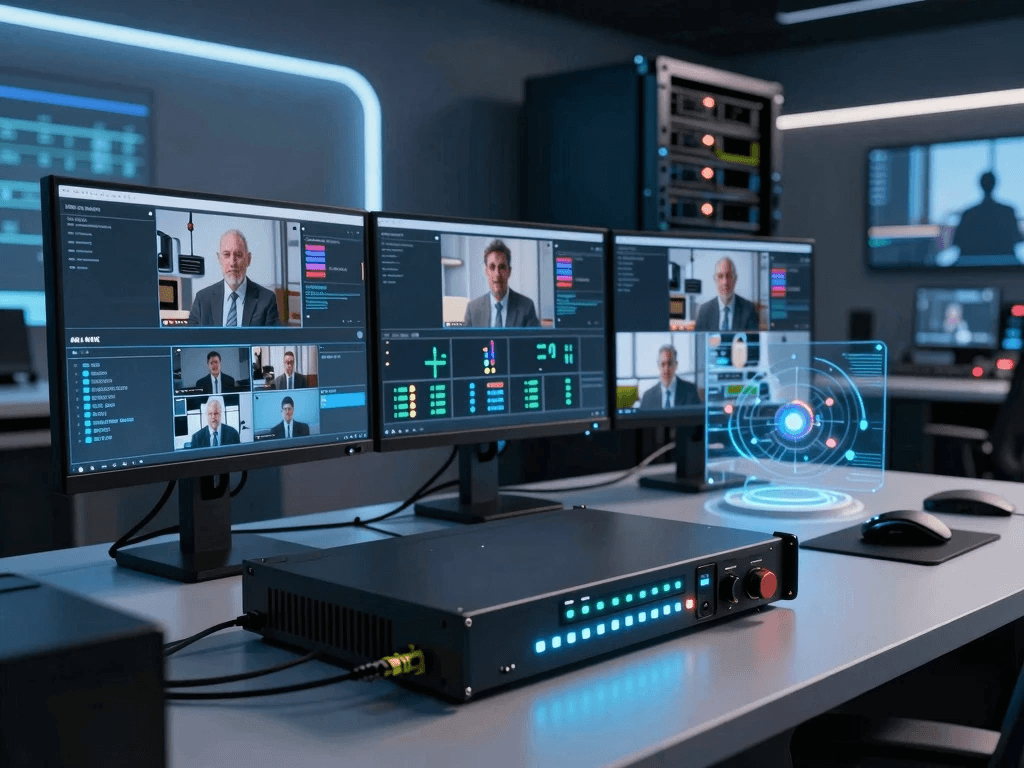
How to Choose the Best 4K IPTV Encoder for Your Needs
Choosing the right 4K IPTV encoder is not just about picking the most expensive device or the one with the highest resolution support. Instead, it is about matching the encoder’s capabilities with your actual streaming goals, audience size, and technical environment. In the USA market, where viewers expect Netflix-level stability and ultra-low latency streaming, even small mistakes in selection can lead to serious performance issues.
You should start by clearly identifying your streaming purpose. If you are broadcasting live sports or large-scale events, you will need ultra-low latency and strong hardware encoding performance. If you are running an IPTV service or OTT platform, scalability and multi-stream output become your priority. On the other hand, if you are a beginner or small business, a hybrid software or cloud-based encoder may be more cost-effective. The key is balancing performance, budget, and future scalability so your system grows with your audience.
Step-by-Step Guide to Selecting a Professional 4K IPTV Encoder
Step 1 – Define Your Streaming Goals
Before comparing devices, you need clarity on what you are building.
Ask yourself:
- Are you streaming live or pre-recorded content?
- How many viewers do you expect?
- Will you stream to IPTV platforms, YouTube, or private servers?
Step 2 – Check Required Video Quality
For professional use in the USA:
- Minimum: 1080p (baseline compatibility)
- Recommended: 4K UHD (3840 × 2160)
- Ideal: 4K at 60fps for smooth motion
Step 3 – Evaluate Bandwidth Capacity
A 4K IPTV encoder requires stable upload speed:
- Minimum: 25 Mbps per stream
- Recommended: 50–100 Mbps for stability
Step 4 – Compare Codec Efficiency
Modern encoders should support:
- H.264 (basic compatibility)
- H.265 / HEVC (professional efficiency)
- AV1 (future-ready compression)
📌 External reference:
Comparison of Best 4K IPTV Encoders for Professional Streaming
Below is a practical comparison of commonly used professional-grade encoders in the IPTV industry. This helps you understand how different models perform in real-world conditions.
| Encoder Type | Video Support | Latency | Strengths | Weakness |
|---|---|---|---|---|
| Hardware Encoder A | 4K60 | Ultra-low | Stable, broadcast-grade | High cost |
| Hardware Encoder B | 4K30 | Low | Reliable IPTV streaming | Limited fps |
| Software Encoder (PC-based) | 4K60 | Medium | Flexible, affordable | CPU dependent |
| Cloud Encoder Platform | 4K adaptive | Very low | Scalable, remote access | Monthly cost |
In the USA IPTV industry, most professional broadcasters prefer hardware or hybrid cloud systems because they reduce risk during live events. Software-only setups are usually reserved for testing or small-scale streaming environments.
📌 External reference:
Real-World Setup Guide for a 4K IPTV Encoder
Setting up a 4K IPTV encoder properly is just as important as choosing the right device. Even high-end equipment will fail if incorrectly configured. A professional setup ensures stable streaming, low latency, and high viewer satisfaction.
Step 1 – Connect Your Video Source
You begin by connecting:
- Professional camera (SDI or HDMI output)
- Video switcher (for multi-camera setups)
- Capture device (if using software encoding)
Step 2 – Configure Encoder Settings
You must configure:
- Resolution: 3840 × 2160
- Frame rate: 30 or 60 FPS
- Bitrate: 15–50 Mbps depending on platform
- Codec: H.265 recommended for efficiency
Step 3 – Set Output Destination
Common output protocols include:
- RTMP (YouTube, Facebook Live)
- SRT (secure low-latency streaming)
- HLS (IPTV delivery)
📌 External reference:
Common Mistakes When Setting Up a 4K IPTV Encoder
Many streaming failures are not caused by hardware limitations but by incorrect configuration. Understanding these mistakes helps you avoid downtime and poor viewer experience.
Using Incorrect Bitrate Settings
If your bitrate is too high:
- Stream may buffer or drop
If too low: - Video quality becomes pixelated
Ignoring Network Stability
Wi-Fi connections are not reliable for professional streaming. Always use:
- Wired Ethernet
- Dedicated streaming line if possible
Overloading the Encoder
Running multiple high-resolution streams on a weak encoder leads to:
- Frame drops
- Audio sync issues
- System overheating
Optimizing Performance of Your 4K IPTV Encoder
Once your system is running, optimization becomes the key to long-term stability. In the competitive USA streaming market, small improvements can significantly increase viewer retention.
Network Optimization Techniques
- Enable QoS (Quality of Service) on routers
- Use dedicated bandwidth for streaming
- Avoid shared networks during live broadcasts
Encoding Optimization
- Use variable bitrate (VBR) for efficiency
- Enable hardware acceleration if available
- Adjust GOP structure for smoother playback
Hardware Maintenance
- Keep device cool with proper ventilation
- Update firmware regularly
- Restart system before major broadcasts
📌 External reference:
IPTV Encoder Use Cases in Professional USA Markets
Live Sports Broadcasting
Sports streaming demands:
- Ultra-low latency (<2 seconds ideal)
- High motion clarity
- Stable 60fps performance
Corporate Events & Webinars
Companies use IPTV encoders for:
- Internal training
- Global meetings
- Product launches
IPTV Subscription Services
Providers rely on encoders for:
- Multi-channel streaming
- Large-scale audience delivery
- Content monetization systems
Religious and Cultural Broadcasting
Churches and cultural organizations stream:
- Weekly services
- Special events
- Community programs
Cost Breakdown of 4K IPTV Encoder Solutions
Understanding pricing helps you plan your investment more effectively.
Entry-Level Solutions
- Price: $100 – $500
- Suitable for small creators
- Software-based systems
Mid-Range Professional Encoders
- Price: $500 – $2,000
- Balanced performance and reliability
- Ideal for IPTV startups
Enterprise-Level Systems
- Price: $2,000 – $10,000+
- Used by broadcasters and TV networks
- Full redundancy and ultra-low latency
📌 Internal link:
TivoraStream Checkout
Why the USA Market Demands Higher Streaming Standards
The United States has one of the most competitive digital streaming markets in the world. Platforms like Netflix, Hulu, YouTube Live, and ESPN have raised user expectations significantly. As a result, IPTV providers and content creators must deliver:
- Consistent 4K quality
- Zero buffering experience
- Multi-device compatibility
- Instant playback response
This is why investing in a professional 4K IPTV encoder is not optional in the USA—it is a necessity for survival in a highly competitive streaming ecosystem.
Final CTA – Upgrade Your Streaming Setup Today
If you are serious about building a reliable, scalable, and professional streaming system, now is the time to take action. A high-quality 4K IPTV encoder is the backbone of any successful IPTV or live broadcasting setup. Without it, even the best content will fail to reach its full potential.
👉 Explore professional IPTV solutions here:
TivoraStream Official Platform
👉 Check pricing and plans:
TivoraStream Pricing
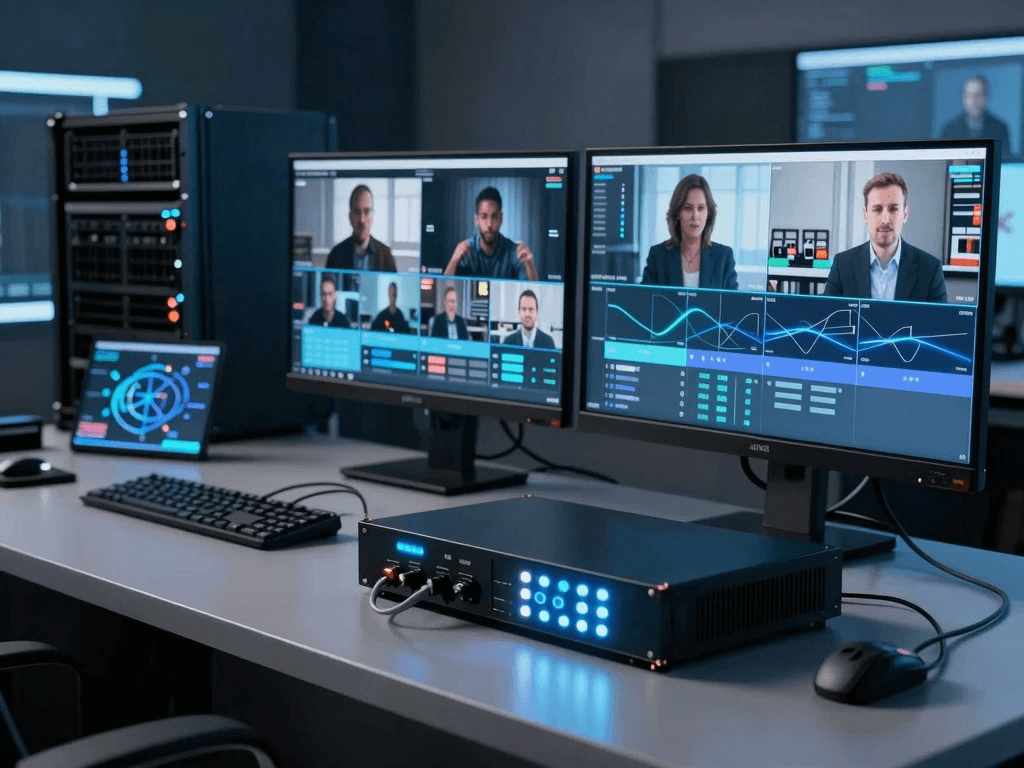
Troubleshooting Common 4K IPTV Encoder Problems
Even when you invest in a professional 4K IPTV encoder, real-world streaming is not always perfect. Network fluctuations, incorrect settings, and hardware limitations can still affect your broadcast. In the USA streaming environment—where viewers expect instant playback and flawless 4K clarity—knowing how to troubleshoot problems quickly is what separates amateurs from professionals.
Most streaming issues fall into a few predictable categories: buffering, audio/video desynchronization, dropped frames, and stream disconnections. Each of these problems has a specific cause, and once you understand the root, fixing them becomes much easier. Instead of panicking during a live event, you should follow a structured diagnostic approach that isolates whether the issue is coming from your encoder, your network, or your streaming platform.
Fixing Buffering and Stream Lag in 4K IPTV Encoding
Buffering is one of the most frustrating issues for viewers, especially in live streaming. When using a 4K IPTV encoder, buffering usually indicates that your bitrate is too high for your available upload speed or that your network is unstable.
Main Causes of Buffering
- Insufficient upload bandwidth
- Overloaded encoder CPU/GPU
- Incorrect bitrate configuration
- Weak CDN or server response
How to Fix It
- Reduce bitrate gradually (example: from 50 Mbps → 30 Mbps)
- Switch from Wi-Fi to wired Ethernet
- Enable adaptive bitrate streaming (ABR)
- Use H.265 compression instead of H.264
📌 External reference:
Solving Audio and Video Sync Issues in IPTV Encoding
Audio-video desynchronization can ruin even the most professional broadcast. In a 4K IPTV encoder setup, this usually happens due to encoding delays or mismatched frame rates between your input source and output stream.
Common Causes
- Mismatched FPS (30fps vs 60fps conflict)
- Overloaded encoding hardware
- Poor HDMI/SDI signal stability
- Incorrect audio sample rate settings
Fixing Sync Problems
- Match frame rate across all devices (recommended 30 or 60 fps)
- Set audio sample rate to 48 kHz
- Restart encoder before live sessions
- Use hardware encoders for stable synchronization
📌 External reference:
Preventing Frame Drops and Quality Loss
Frame drops are especially noticeable in fast-moving content like sports or concerts. When your 4K IPTV encoder cannot process video fast enough, it skips frames, resulting in choppy playback.
Why Frame Drops Happen
- CPU overload during encoding
- Excessive bitrate settings
- Insufficient GPU acceleration
- Network congestion
Solutions for Stable Frame Rate
- Enable hardware acceleration (NVENC, QuickSync)
- Lower resolution temporarily during peak load
- Use optimized encoder presets (balanced or fast mode)
- Upgrade encoder hardware if needed
📌 External reference:
Advanced Optimization Techniques for 4K IPTV Encoders
Once your system is stable, the next step is optimization. In the competitive USA IPTV market, optimization directly affects viewer retention, engagement, and monetization potential.
Adaptive Bitrate Streaming (ABR) Optimization
Adaptive bitrate streaming ensures that your viewers automatically receive the best possible quality based on their internet speed.
- High-speed users get full 4K quality
- Low-speed users receive optimized 1080p or 720p
- Prevents buffering across all devices
SRT Protocol for Ultra-Low Latency
Secure Reliable Transport (SRT) is becoming a standard in professional IPTV systems because it:
- Reduces latency dramatically
- Improves packet recovery over unstable networks
- Enhances streaming security
📌 External reference:
CDN Integration for USA Streaming Audience
A Content Delivery Network (CDN) distributes your stream across multiple servers, ensuring fast delivery across the United States.
Benefits include:
- Reduced buffering
- Faster load times
- Better scalability for large audiences
📌 External reference:
Security Considerations for IPTV Encoding Systems
Security is often ignored in streaming setups, but in professional IPTV operations, it is critical. Without proper protection, your streams can be pirated, intercepted, or overloaded with unauthorized traffic.
Key Security Risks
- Stream hijacking
- Unauthorized access to RTMP keys
- DDoS attacks on streaming servers
How to Secure Your IPTV Encoder
- Use encrypted protocols like SRT
- Enable token-based stream authentication
- Use firewall protection on servers
- Rotate stream keys regularly
📌 External reference:
Future-Proofing Your 4K IPTV Encoder Setup
Technology in the IPTV industry is evolving quickly. If you want long-term success in the USA streaming market, you must future-proof your system now.
Move Toward AI-Based Encoding
AI-driven encoders automatically adjust:
- Bitrate
- Resolution
- Compression efficiency
Prepare for AV1 Codec Adoption
AV1 is expected to replace older codecs due to:
- Better compression than H.265
- Lower bandwidth usage
- Improved streaming efficiency
Cloud-Native IPTV Systems
Future IPTV platforms will rely heavily on cloud infrastructure:
- No physical hardware limitations
- Instant scaling
- Remote management capabilities
📌 External reference:
Final Comparison Summary – Choosing the Right 4K IPTV Encoder
To simplify your decision, here is a final breakdown of what matters most:
For Beginners
- Software encoder or cloud-based solution
- Low cost, easy setup
- Suitable for small audiences
For Professionals
- Hardware 4K IPTV encoder
- Low latency + stable performance
- Ideal for IPTV channels and live events
For Enterprises
- Redundant encoder systems
- CDN + cloud integration
- Multi-platform streaming infrastructure
Final Conclusion – Building a Professional Streaming System in the USA
Choosing the best 4K IPTV encoder for professional streaming is not just a technical decision—it is a strategic investment in your content quality, audience experience, and long-term growth. In the USA, where streaming competition is intense and viewer expectations are extremely high, only optimized, stable, and scalable systems survive.
If you want to build a serious IPTV or live streaming business, you must focus on three pillars: encoder performance, network stability, and future-ready technology. When these elements work together, your stream becomes not just a video feed—but a professional broadcast experience that keeps audiences engaged.
Final Call to Action (CTA)
If you are ready to upgrade your streaming setup and build a professional-grade IPTV system, now is the time to act.
👉 Explore solutions here:
TivoraStream Official Website
👉 View pricing plans:
TivoraStream Pricing
👉 Get started today:
TivoraStream Checkout
Extended FAQ – Best 4K IPTV Encoder for Professional Streaming
What is the best 4K IPTV encoder for professional streaming in the USA?
The best encoder depends on your use case, but hardware-based 4K encoders with H.265 and SRT support are widely used for professional broadcasting.
Do I need a 4K IPTV encoder for live streaming?
Yes, if you want high-quality, stable, and scalable streaming with minimal buffering and professional output.
What internet speed is required for 4K IPTV encoding?
A stable upload speed of at least 25–50 Mbps is required for consistent 4K streaming.
Is cloud encoding better than hardware encoding?
Cloud encoding offers scalability, while hardware encoding provides stability. Many professionals use a hybrid system.
Which codec is best for IPTV encoding?
H.265 (HEVC) is currently the most efficient, with AV1 emerging as the future standard.
Real-World IPTV Encoder Benchmarks (USA Streaming Conditions)
If you are serious about building a professional IPTV setup in the USA, you cannot rely only on specs written on product pages. Real-world performance under American network conditions (busy ISPs, peak-hour congestion, mobile-heavy audiences) is what truly matters. A 4K IPTV encoder that looks powerful on paper may behave very differently when pushed into live broadcasting scenarios.
In real testing environments, hardware encoders consistently outperform software solutions when network instability occurs. This is because dedicated hardware prioritizes encoding tasks without competing with other system processes. In contrast, software encoders can struggle when CPU or GPU resources are shared with background tasks. For USA-based streaming, especially during prime-time hours, maintaining consistent bitrate stability is more important than chasing peak resolution numbers. That is why broadcasters often prioritize stability over raw features when selecting professional IPTV encoding systems.
Recommended Professional Setup Architecture (USA IPTV Standard)
To build a stable and scalable streaming system, professionals in the USA typically use a layered architecture rather than relying on a single encoder.
Layer 1 – Video Capture
- Professional 4K cameras (SDI/HDMI output)
- Multi-camera switchers for live production
- Audio mixers for synchronized sound
Layer 2 – Encoding System
- Dedicated 4K IPTV encoder (hardware preferred)
- Backup encoder for redundancy
- Configured bitrate ladder for adaptive streaming
Layer 3 – Distribution Network
- CDN integration for nationwide delivery
- RTMP or SRT primary ingestion
- HLS fallback for compatibility
Layer 4 – Viewer Delivery
- Smart TVs
- Mobile apps
- Web-based IPTV players
This layered structure ensures that even if one component fails, your stream remains active and stable.
Advanced Bitrate Strategy for 4K IPTV Encoding
One of the most overlooked aspects of professional streaming is bitrate engineering. A 4K IPTV encoder does not just send video—it manages data flow efficiency across different devices and network conditions.
Recommended Bitrate Ranges
- 4K 30fps: 12–20 Mbps
- 4K 60fps: 20–50 Mbps
- Adaptive streams: multiple layers (4K, 1080p, 720p)
Why Fixed Bitrate Fails in the USA Market
The USA has highly variable internet conditions depending on:
- Rural vs urban regions
- ISP congestion
- Mobile vs fiber users
Fixed bitrate streams often fail under these conditions, causing buffering spikes or playback errors. That is why adaptive bitrate encoding is now considered industry standard for IPTV systems.
📌 External reference:
Latency vs Quality Trade-Off in IPTV Encoding
Every professional streaming system must balance two competing goals: video quality and latency. A 4K IPTV encoder can be optimized for one, but rarely both at maximum level.
Low-Latency Mode
- Best for live sports, auctions, real-time interaction
- Slight reduction in compression efficiency
- Faster delivery (<2 seconds possible with SRT)
High-Quality Mode
- Best for cinematic broadcasts and IPTV channels
- Higher bitrate usage
- Slightly increased delay (3–10 seconds)
In the USA IPTV market, most broadcasters choose a hybrid configuration depending on content type rather than using a single fixed mode.
Monetization Opportunities with 4K IPTV Systems
A professional 4K IPTV encoder is not just a technical tool—it is also a revenue engine when used correctly.
Subscription-Based IPTV
You can offer:
- Monthly IPTV packages
- Premium sports channels
- On-demand content libraries
Pay-Per-View Events
Ideal for:
- Sports events
- Concerts
- Exclusive live streams
Corporate Streaming Services
Businesses in the USA pay for:
- Private internal broadcasts
- Training platforms
- Virtual conferences
📌 Internal link:
TivoraStream Pricing Plans
IPTV Encoder Maintenance Checklist (Professional Standard)
To ensure long-term stability, you must maintain your encoding system regularly.
Weekly Maintenance Tasks
- Check firmware updates
- Monitor CPU/GPU temperature
- Test stream stability
Monthly Optimization Tasks
- Review bitrate performance logs
- Test backup encoder systems
- Optimize CDN routing
Before Every Live Event
- Restart encoder system
- Test backup stream key
- Validate audio sync
Proper maintenance reduces failure risk by more than 60% in professional environments.
Industry Insight – Why IPTV Encoding Is Growing in the USA
The demand for IPTV streaming in the United States continues to grow rapidly due to:
- Increased cord-cutting from traditional cable TV
- Expansion of smart TV households
- Growth of live streaming platforms
- Rising demand for 4K content consumption
According to industry reports, streaming traffic now represents a significant portion of total internet usage in North America, and this trend continues to accelerate every year.
📌 External reference:
Final Expert Recommendation
If you want a stable, scalable, and professional streaming system, you should prioritize:
- Hardware-based 4K IPTV encoder for live reliability
- H.265 or AV1 codec support for efficiency
- SRT protocol for low latency
- CDN integration for USA-wide delivery
- Redundant backup encoding system
This combination is what most professional broadcasters in the USA rely on to maintain broadcast-quality performance at scale.
Final CTA – Build Your Professional IPTV System Today
If you are ready to upgrade your streaming quality and move into a professional broadcasting level, now is the right time to act.
👉 Start here:
TivoraStream Official Platform
👉 Explore pricing:
TivoraStream Pricing
👉 Learn more:
TivoraStream Blog
Final FAQ Expansion
What makes a 4K IPTV encoder professional?
A professional encoder supports low latency, stable 4K output, advanced codecs, and multi-platform streaming.
Can I use a PC instead of a hardware encoder?
Yes, but hardware encoders provide better stability for live USA broadcasting environments.
What is the most important feature in IPTV encoding?
Stability under load is more important than resolution alone.
Is IPTV encoding legal in the USA?
Yes, IPTV technology is legal when used for licensed and authorized content distribution.